

If you are still spending part of every week checking WordPress updates, investigating plugin conflicts, verifying backups or responding to website warnings, your digital infrastructure is consuming time that should be allocated to commercial expansion.
This is not a minor administration issue. It is an architectural weakness.
Google’s current Core Web Vitals thresholds define a “good” user experience as a Largest Contentful Paint of 2.5 seconds or less, an Interaction to Next Paint of 200 milliseconds or less, and a Cumulative Layout Shift of 0.1 or less at the 75th percentile. In a Vodafone case study published by web.dev, improving LCP from approximately four seconds to two seconds was associated with a 15% increase in conversion rate.
Performance is therefore not a cosmetic concern. It is a commercial control metric.
At the same time, Patchstack’s State of WordPress Security in 2026 report recorded 11,334 new vulnerabilities across the WordPress ecosystem during 2025, with 91% affecting plugins. A website that is not continuously monitored is exposed to visibility decay, technical debt and preventable security risk.
You do not need more tasks. You need a managed system.
The Problem: WordPress Maintenance Becomes Invisible Technical Debt
WordPress is accessible by design. That accessibility is one of its strengths, but it also creates a common operational trap: business owners assume that maintenance is simple enough to handle whenever there is spare time.
There is rarely spare time.
The maintenance burden usually appears as a series of small tasks:
- Checking whether WordPress core requires an update.
- Reviewing plugin and theme compatibility.
- Testing forms, checkout processes and third-party integrations.
- Verifying that backups have actually completed.
- Monitoring uptime and server response times.
- Scanning for malware or suspicious behaviour.
- Renewing SSL certificates and reviewing domain settings.
- Investigating why a page has become slower.
- Rectifying broken layouts after an update.
- Responding to browser, hosting or security warnings.
Each task appears manageable in isolation. Collectively, they create operational friction and fragmented accountability.
The more plugins, integrations and content you add, the more complex the ecosystem becomes. A change in one component can affect another. A plugin update can alter database behaviour. A theme update can introduce layout instability. An untested configuration change can create a form failure that quietly leaks leads for several days.
This is data leakage in its most practical form.
Why the DIY maintenance model fails
The DIY model is not inherently economical. It simply transfers the cost from a visible monthly service fee to hidden internal time, delayed decisions and reactive troubleshooting.
A business owner may not record the two hours spent resolving a plugin conflict as a website expense. The cost still exists. It is measured in lost focus, delayed sales activity and reduced operational capacity.
Out-of-the-box hosting creates a similar liability. Many low-cost environments provide server space, but not the architectural governance required to maintain a performance-driven WordPress ecosystem. You remain responsible for the decisions, the checks and the consequences.
That is not hands-off infrastructure. It is outsourced complexity.
Key Takeaways
- Manual maintenance creates recurring operational drag.
- Unchecked updates increase security and compatibility risk.
- Website downtime and slow performance can directly affect acquisition.
- DIY hosting often transfers technical responsibility rather than removing it.
Stability cannot depend on whether someone remembers to check the dashboard. The problem is systemic, and the solution must also be systemic.
The Infrastructure: What Managed WordPress Hosting Actually Removes
Managed WordPress hosting is not simply faster server space. It is a controlled technical environment in which routine maintenance, security oversight and infrastructure support are treated as an ongoing operational protocol.
The objective is straightforward: remove repetitive technical tasks from your internal workload while maintaining the structural integrity of your website.

1. Automatic updates with controlled oversight
WordPress core, plugins and themes require regular review. Leaving them untouched increases exposure to known vulnerabilities. Updating everything immediately without compatibility checks can also destabilise the live site.
A managed environment introduces a more disciplined process. Updates are scheduled, monitored and reviewed as part of a defined maintenance framework. Where appropriate, automatic updates can be applied, with attention given to compatibility and post-update behaviour.
The goal is not to update for the sake of activity. The goal is to keep the system secure without creating new technical debt.
ZeroPoint Creative’s website maintenance services include ongoing maintenance, routine updates, plugin, theme and core WordPress checks, security monitoring, performance oversight and technical support.
2. Continuous monitoring instead of delayed discovery
If you discover that your website is offline because a customer informs you, the monitoring protocol has already failed.
Continuous monitoring checks for uptime, response failures, unusual behaviour and performance degradation. It provides an early-warning system so that issues can be investigated before they become commercially visible.
This distinction matters. Reactive maintenance begins after damage has occurred. Managed infrastructure is designed to identify abnormal behaviour before it develops into an outage, broken conversion path or search visibility problem.
ZeroPoint Creative provides continuous monitoring and 24/7 support for critical website issues. The purpose is not to create noise. It is to provide calm, always-on oversight.
3. Automated backups and recovery readiness
A backup is only valuable if it exists, is recent and can be restored.
Manual backup processes often fail because they depend on memory, inconsistent procedures or local storage. Automated backups create a standardised recovery layer around your website files and database.
This mitigates the consequences of:
- Failed updates.
- Human error.
- Malware incidents.
- Hosting failures.
- Broken integrations.
- Accidental content deletion.
Backups do not prevent every incident. They protect the organisation’s ability to recover from one. That is a core component of infrastructure resilience and compliance alignment.
ZeroPoint Creative’s managed hosting service includes secure infrastructure, backups, monitoring, SSL and uptime support within a performance-focused environment.
4. Security becomes a process, not a periodic event
Security is not a plugin you install once. It is a continuous process involving patch management, access control, monitoring, backups, SSL governance and incident response.
Third-party plugins remain one of the most common sources of WordPress security exposure. That does not mean plugins should be avoided. It means they should be categorised, reviewed and maintained within a controlled ecosystem.
A managed WordPress hosting arrangement helps you establish that control. It reduces the risk of forgotten updates, expired certificates and unmonitored configuration changes.
No hosting provider can guarantee absolute immunity from cyber-attacks. Professional infrastructure does, however, mitigate common weaknesses and shorten the time between detection and intervention.
Security is a managed responsibility.
The Growth Effect: Reclaiming Time for Commercial Work
The most immediate benefit of website maintenance services is not technical. It is the recovery of management capacity.
When maintenance is removed from your personal task list, you regain time for:
- Sales and client development.
- Service delivery.
- Team leadership.
- Customer retention.
- Strategic planning.
- Content and search visibility.
- Process improvement.
This is where managed hosting becomes a growth protocol. The infrastructure handles repetitive technical requirements, allowing you to focus on the decisions that require your judgement.
A stable site also produces more reliable performance data. When uptime, page speed and update status are controlled, your analytics become easier to interpret. You can assess SEO, conversion and acquisition performance without wondering whether a recent technical failure has contaminated the results.
Technical stability improves commercial visibility.
Where Nova Fits into a Managed Digital Ecosystem
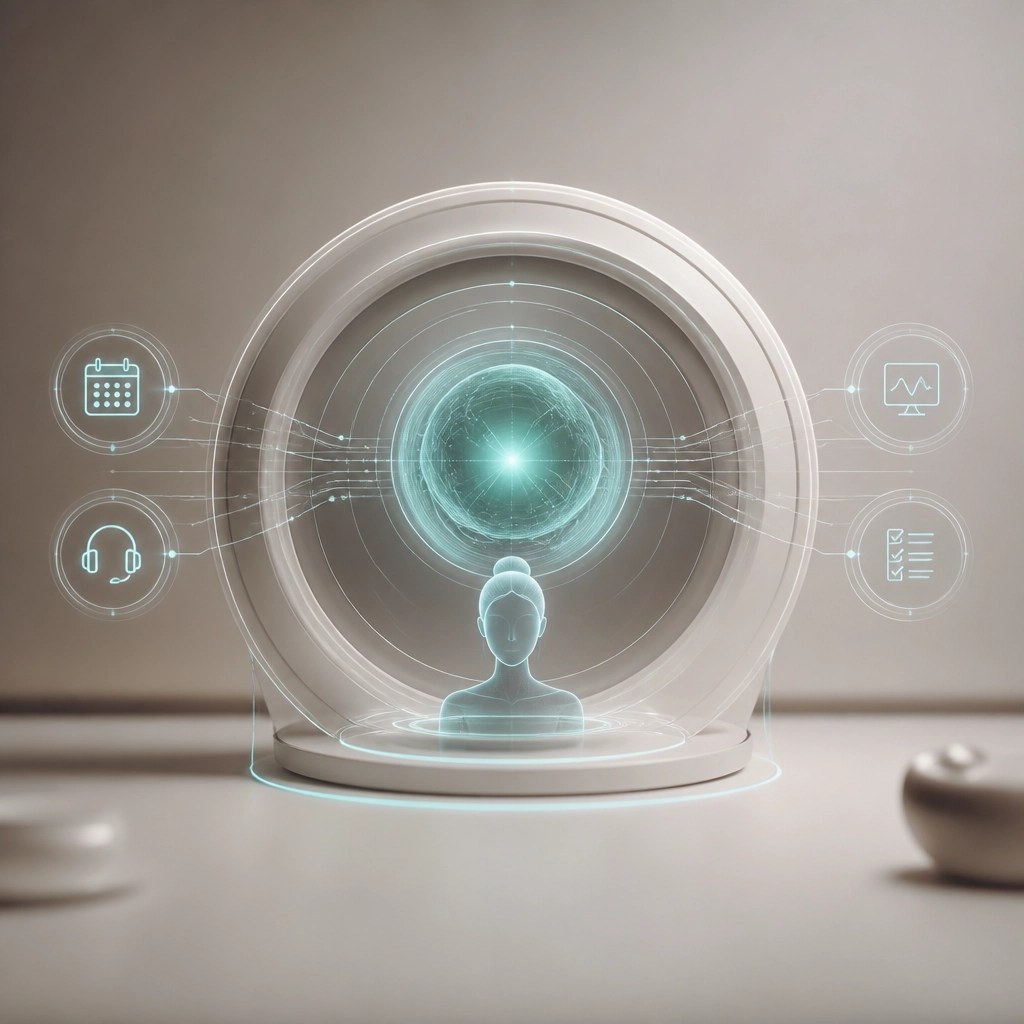
Website infrastructure is one part of a wider digital operating system. At ZeroPoint Creative, that system also includes AI-driven workflows and operational support.
Nova is ZeroPoint Creative’s agentic AI assistant. She supports business operations by handling enquiries, coordinating appointments and providing access to information around the clock.
The principle is consistent with managed WordPress hosting: repetitive operational tasks should be standardised, monitored and delegated to reliable systems wherever appropriate.
Nova does not replace technical governance. She complements it by reducing administrative friction around communication and scheduling. Your website remains the public-facing infrastructure. Nova provides an always-on operational layer around it.
That combination creates a more coherent digital ecosystem:
- Managed hosting protects the website environment.
- Automatic updates reduce maintenance overhead.
- Backups support recovery readiness.
- Security monitoring mitigates avoidable exposure.
- Technical SEO protects search visibility.
- Nova supports inbound communication and appointment coordination.
The result is not more software for its own sake. It is fewer disconnected responsibilities for you to manage.
How to Know You Have Outgrown DIY Maintenance
Managed WordPress hosting is usually appropriate when one or more of the following conditions apply:
- Your website generates enquiries or revenue.
- You do not have an internal technical specialist.
- Updates are performed irregularly.
- You are uncertain whether backups are working.
- Your website has experienced downtime or plugin conflicts.
- You need reliable support outside normal office hours.
- You are planning a campaign, redesign or period of commercial growth.
- Website maintenance repeatedly interrupts your core responsibilities.
If your website matters to your business, it should not be maintained as a side project.
Key Takeaways for Business Leaders
- Rectify the time leak: Manual WordPress administration is an ongoing operating cost.
- Standardise maintenance: Automatic updates, backups and checks should follow a defined protocol.
- Mitigate security exposure: Continuous monitoring is more reliable than occasional inspection.
- Protect performance: Hosting architecture influences speed, user experience and search visibility.
- Recover management capacity: Your time should be allocated to growth, not routine troubleshooting.
- Build for scale: A managed environment creates a resilient foundation for future integrations and automation.
Stop Maintaining the Infrastructure Yourself
The question is not whether WordPress can be maintained manually. It can.
The question is whether that is the most responsible allocation of your time.
For a modern business, the website is not a brochure sitting on a server. It is a mission-critical digital system connected to search, enquiries, analytics, customer journeys and commercial reputation. Its structural integrity requires continuous oversight.
ZeroPoint Creative provides managed WordPress hosting with secure infrastructure, backups, monitoring, SSL and UK-based support. Our website maintenance services add ongoing updates, security monitoring, performance oversight and technical adjustments.
You can continue checking whether the site is working.
Or you can delegate the responsibility to a managed technical framework designed to keep it working.
Stability is the primary metric. Reclaimed time is the commercial outcome.
