

Your WordPress website may have started as a straightforward business asset. As your organisation grows, it becomes something more consequential: a lead-generation system, booking interface, customer service channel, recruitment tool and public representation of operational competence.
That changes the maintenance requirement.
A site that is merely online is not necessarily stable, secure or commercially reliable. WordPress core, themes, plugins, hosting configuration, SSL certificates, backups, user permissions and performance all require continuous oversight. The official WordPress documentation recommends keeping WordPress updated and backing up the website before an upgrade. The WordPress Developer Handbook also makes clear that a complete backup requires both website files and the database.
The comparison is therefore not simply between a monthly hosting bill and a cheaper DIY alternative. It is a decision about where technical risk, labour and accountability reside.
The core difference: ownership versus operational delegation
DIY maintenance means your organisation owns the technical protocol. You, a member of staff, a freelancer or an occasional developer must monitor the website and respond when something changes.
That responsibility includes:
- Checking WordPress core, theme and plugin updates.
- Verifying that updates do not create conflicts.
- Scheduling and checking backups.
- Monitoring suspicious activity and failed login attempts.
- Reviewing uptime and performance.
- Managing SSL, domains and hosting access.
- Diagnosing errors, broken layouts and failed forms.
- Recovering the site after accidental deletion, malware or a failed update.
Managed WordPress hosting transfers these processes to a defined support structure. The provider maintains the infrastructure, monitors the environment and gives you an accountable route for technical intervention.
DIY can provide more direct control. Managed support provides more dependable governance.
For a growing business, that distinction is operationally significant.
Updates: a routine task with failure points
WordPress updates are often treated as a one-click administrative task. That is an incomplete assessment.
An update can affect PHP compatibility, database behaviour, theme templates, forms, payment integrations, analytics, caching and page rendering. Even when the update itself is successful, a connected plugin may create a secondary failure.
The DIY process typically involves:
- Identifying available updates.
- Creating a current backup.
- Applying updates in a controlled order.
- Reviewing the front end and administration area.
- Testing forms, links, payments and integrations.
- Clearing caches where necessary.
- Rectifying any compatibility issue.
This process is manageable when you have technical capability and a controlled maintenance window. It becomes a liability when updates are repeatedly deferred because nobody has time to assess them properly.
Managed website management applies a standardised maintenance routine. Updates can be reviewed, applied and checked as part of an ongoing service rather than as an interrupted task competing with sales, delivery or customer support.
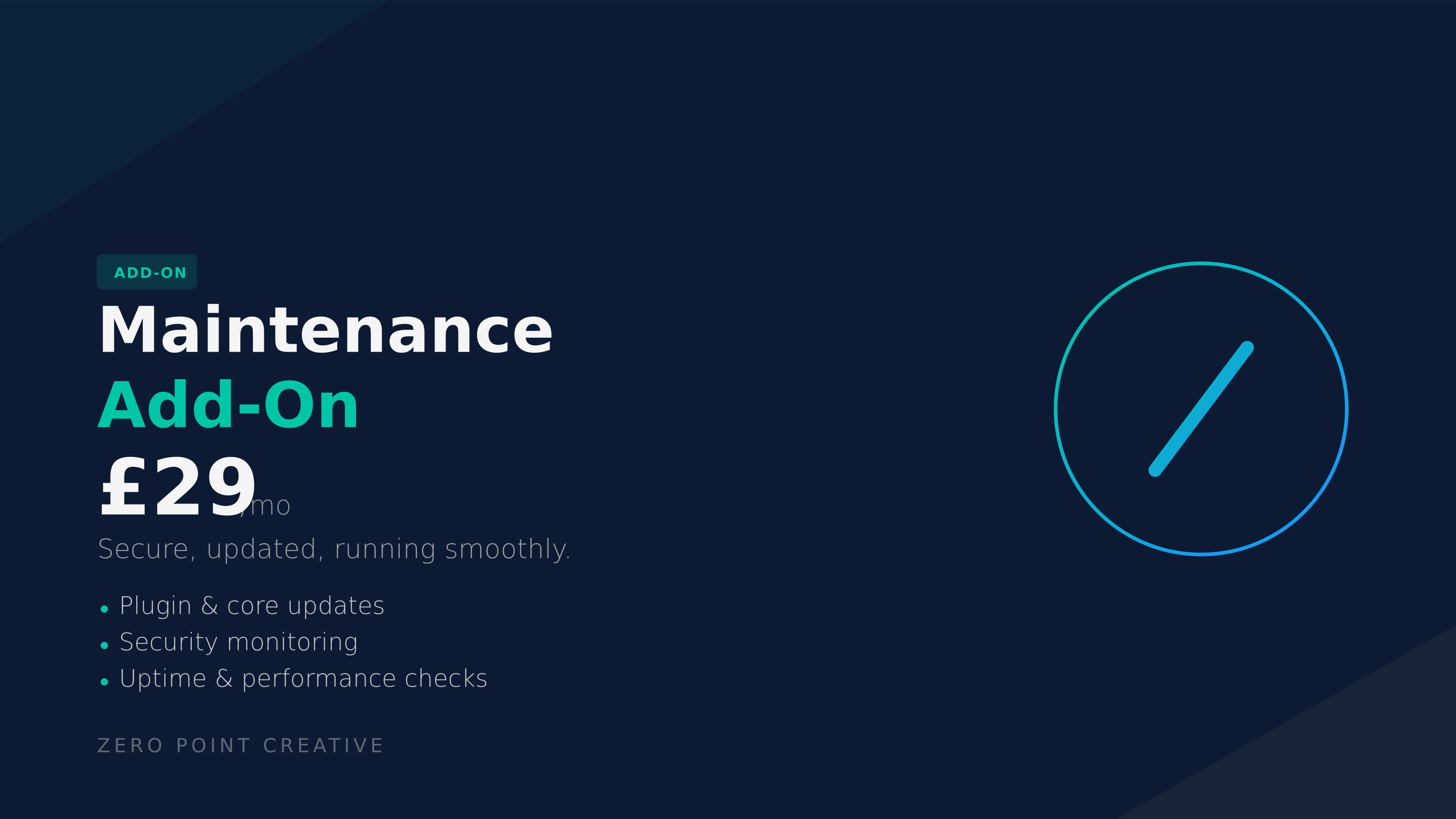
ZeroPoint Creative’s Maintenance Add-On includes routine website maintenance, plugin, theme and core WordPress checks, alongside support for small technical adjustments. That structure is designed to reduce update-related technical debt before it accumulates.
The result is straightforward: current software, fewer unmanaged dependencies and a more stable WordPress ecosystem.
Backups and recovery: presence is not enough
A backup is not a recovery strategy unless it is current, stored independently and capable of being restored.
DIY maintenance often fails at one of three points:
- Backups are not scheduled consistently.
- Backups exist on the same server as the live website.
- Nobody has verified that the backup can be restored correctly.
A complete WordPress backup must account for both the website files and the database. The database contains posts, pages, settings and other operational information, while the files contain WordPress core, themes, plugins, uploads and configuration elements. One without the other may not produce a working restoration.
Managed infrastructure introduces a more disciplined model:
- Scheduled backups.
- Off-site storage.
- Defined retention procedures.
- Recovery support.
- Restoration from a clean version when necessary.
- Review of the cause after an incident.
ZeroPoint Creative’s Security and Backups service includes scheduled off-site backups, security hardening, access-control reviews, malware response and recovery support. The emphasis is not merely on storing a copy. It is on maintaining a viable route back to a working state.
Recovery speed matters because a damaged website can interrupt enquiries, bookings and customer confidence. Stability is the primary metric.
Security: reduce exposure before an incident
WordPress security is a layered engineering requirement. A security plugin alone does not create a secure environment.
A resilient configuration may require:
- Current WordPress core, themes and plugins.
- Strong, unique credentials.
- Appropriate administrator permissions.
- Controlled access for former staff and suppliers.
- SSL and secure transport.
- Malware monitoring.
- Protection against brute-force activity.
- Reliable backups.
- A response process for suspicious behaviour.
DIY maintenance places the burden of identifying and maintaining these controls on your organisation. That can work for a technically capable internal team, but it is rarely reliable when security is treated as an occasional administrative task.
Managed WordPress hosting provides a defined maintenance framework around the site. Problems can be identified earlier, access can be reviewed systematically and updates can be applied before known weaknesses become persistent exposure.
This does not eliminate risk. No responsible provider can guarantee that a website will never be targeted. It does, however, improve structural integrity and reduce the time between detection and intervention.
Security is not a feature added after launch. It is an operating condition.
Uptime and performance: the commercial interface
A website can be technically available while still performing poorly. Slow pages, failed scripts, broken forms and expired certificates create operational friction even when the server has not fully failed.
DIY maintenance requires you to monitor:
- Whether the website responds.
- Whether key pages load correctly.
- Whether forms deliver enquiries.
- Whether certificates remain valid.
- Whether recent updates affect page speed.
- Whether hosting resources remain appropriate.
- Whether caching and other performance controls are operating correctly.
Without continuous oversight, performance decay can remain invisible until a customer reports it or enquiry volume drops.
ZeroPoint Creative’s Managed Hosting Add-On provides managed website hosting, secure infrastructure, backups, monitoring, SSL and uptime support within a performance-focused environment. The service is available as a standalone monthly option at £29 per month, according to the published product page.
The value is not limited to server space. It is the reduction of operational uncertainty around the website that your business depends on.

Troubleshooting: who responds when the site fails?
The real test of a maintenance model is not how it operates during a normal week. It is how it responds when something fails.
Common incidents include:
- A plugin update producing a critical error.
- A form stopping delivery.
- A theme change disrupting the mobile layout.
- A domain or SSL configuration problem.
- A malware alert.
- A database issue.
- An integration failing after an external platform changes its settings.
With DIY maintenance, the first response may be internal investigation, supplier searches or waiting for a freelancer to become available. The business owner often becomes the project manager of an incident they are not equipped to diagnose.
Managed website management creates a single route for escalation. The responsible provider can assess the issue, identify the affected layer, restore a known working version where appropriate and coordinate the technical response.
That accountability is particularly important when your website supports lead generation or customer transactions. A clear support route mitigates delay and keeps technical incidents from becoming unstructured business emergencies.
A problem is manageable when ownership is already defined.
The cost comparison: monthly fee versus total exposure
DIY hosting can appear cheaper because the initial subscription may cover only the server environment. The wider cost is distributed across:
- Staff time.
- Premium backup and security tools.
- Emergency developer work.
- Lost productivity.
- Delayed campaigns.
- Missed enquiries.
- Recovery after avoidable failures.
- The opportunity cost of senior staff handling technical administration.
Managed hosting consolidates more of this responsibility into a defined service. It may cost more than basic hosting, but the relevant comparison is total operational cost, not the lowest line item.
ZeroPoint Creative’s Managed Website Packages combine hosting, updates, backups, security checks, uptime monitoring and support at different levels. The Launch, Growth and Scale structures allow support to expand as the website and organisation become more complex.
This is the infrastructure principle: predictable maintenance enables predictable planning.
When DIY maintenance is appropriate
DIY maintenance can be appropriate if:
- You have internal WordPress and server expertise.
- Your team can monitor the site consistently.
- You maintain tested, off-site backups.
- You have a documented recovery procedure.
- Occasional downtime has limited commercial impact.
- You require server-level control that managed platforms do not provide.
- Incident ownership is clearly assigned.
It is not appropriate simply because the website is small or because the hosting subscription is inexpensive. A small website can still be responsible for valuable enquiries, personal data and brand trust.
DIY is a valid technical model when it is deliberate, resourced and governed. It is a liability when it is an unassigned task.
When managed WordPress hosting is the better option
Managed support is generally the practical choice when:
- The website generates enquiries or bookings.
- Your team does not include a dedicated technical specialist.
- You cannot afford prolonged downtime.
- Security and recovery need to be handled continuously.
- Updates are frequently postponed.
- You want one accountable support partner.
- The business is scaling across content, SEO, integrations or automation.
- Your stakeholders need predictable maintenance rather than technical uncertainty.
For these organisations, managed WordPress hosting is not an indulgence. It is a risk-mitigation protocol.
Final assessment
DIY WordPress maintenance offers control, but it also assigns responsibility for every layer of website stability to your organisation. Managed WordPress hosting offers a more structured alternative: monitored infrastructure, routine updates, backup protection, security oversight, performance checks, troubleshooting and defined accountability.
The correct choice depends on your internal capability and the commercial importance of your website. If the website is a mission-critical business system, leaving its maintenance to spare time is not a resilient operating model.
ZeroPoint Creative provides managed hosting, website maintenance services, security and backup support, and scalable managed website packages. The objective is operational excellence: a secure, performance-driven digital foundation that remains dependable while your business expands.
You can contact ZeroPoint Creative to review your current hosting, backup and maintenance structure.
Key takeaways
- DIY maintenance is only reliable when technical capability and ownership are clearly assigned.
- WordPress updates require testing, not simply repeated clicks.
- A complete backup must include both website files and the database.
- Managed hosting reduces operational friction through monitoring, support and defined recovery processes.
- Security, uptime and performance require continuous oversight.
- The lowest hosting price is not necessarily the lowest total cost.
- For a business-dependent website, managed WordPress hosting is usually the more resilient option.
